
Instant Polaroid Photos
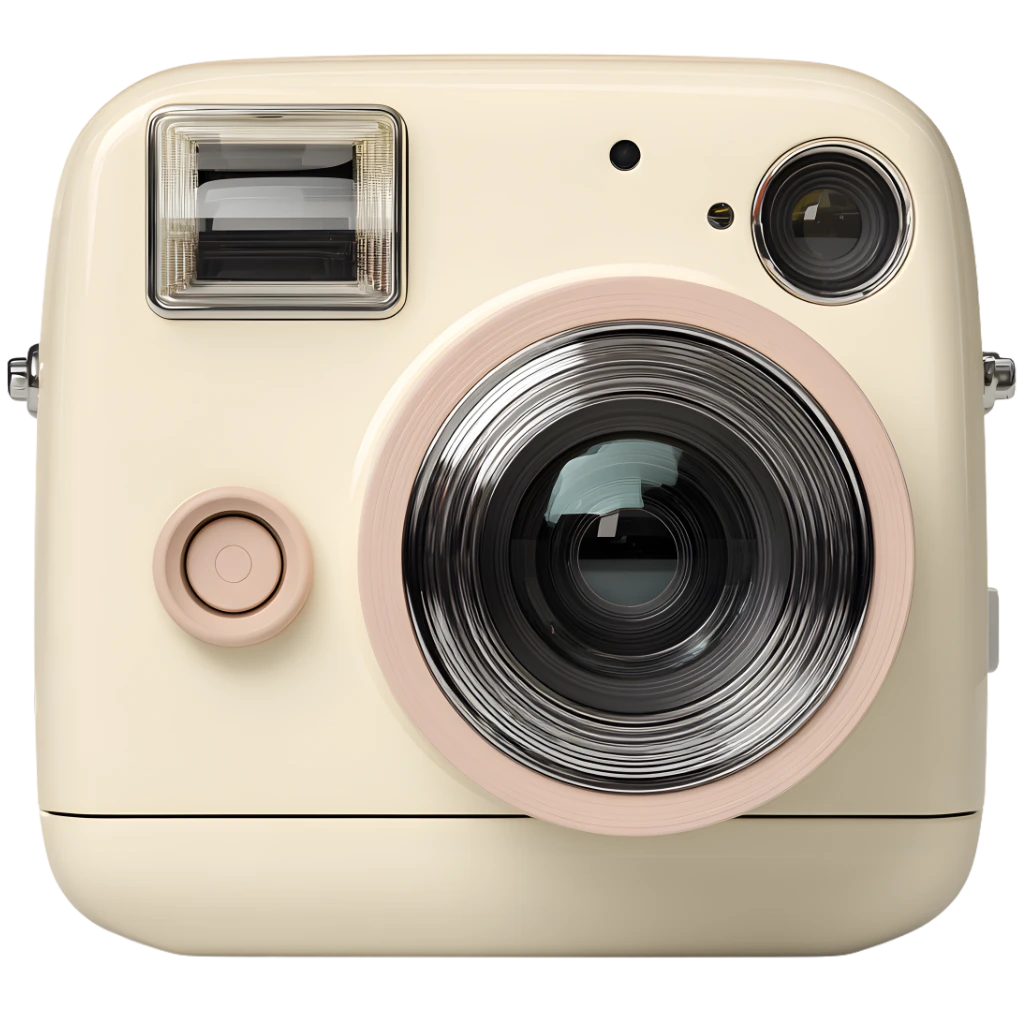
A square frame, clean border, and soft tones deliver a polaroid‑style print feel without heavy filters.
Public sharing is temporarily unavailable. Photos are saved privately; submissions will require review before appearing if the gallery reopens.
Public sharing is temporarily unavailable. Photos are saved privately; submissions will require review before appearing if the gallery reopens.
A square frame, clean border, and soft tones deliver a polaroid‑style print feel without heavy filters.
Slide and rotate photos like real prints on a table to build a quick collage.
Public sharing is temporarily unavailable. Photos are saved privately; submissions will require review before appearing if the gallery reopens.
Public sharing is temporarily unavailable. Photos are saved privately; submissions will require review before appearing if the gallery reopens.
Step 1
Allow access, see the live preview, and frame a square shot. A centered view helps you compose like a classic print. Small framing tweaks make a big difference in a polaroid‑style layout.
Step 2
Press the shutter and watch the print appear with a gentle develop effect. The instant camera feel comes from the slow reveal. If you don’t love the result, reshoot and keep the best take.
Step 3
Drag, rotate, and caption your prints to make a collage that feels personal. Small offsets create a natural polaroid desk vibe. Layering two or three photos adds depth without clutter.
Step 4
Public sharing is temporarily unavailable. Photos are saved privately; submissions will require review before appearing if the gallery reopens.
Create a simple profile shot with a classic print‑style frame. A subtle polaroid border helps the portrait feel timeless. It’s a fast way to refresh a profile image.
Layer several shots into a collage for a diary or inspiration board. Instant camera prints look great when stacked with notes. Try pairing bright and muted shots to add contrast.
Public sharing is temporarily unavailable. Photos are saved privately; submissions will require review before appearing if the gallery reopens.
Take a quick shot between tasks to reset your focus. The instant camera cadence keeps the break short and satisfying.
Check lighting and framing before meetings with a quick preview shot. The instant camera square crop makes checks fast. You can discard the shot or keep it as a quick reference.
Public sharing is temporarily unavailable. Photos are saved privately; submissions will require review before appearing if the gallery reopens.
Public sharing is temporarily unavailable. Photos are saved privately; submissions will require review before appearing if the gallery reopens.