
Retro Camera
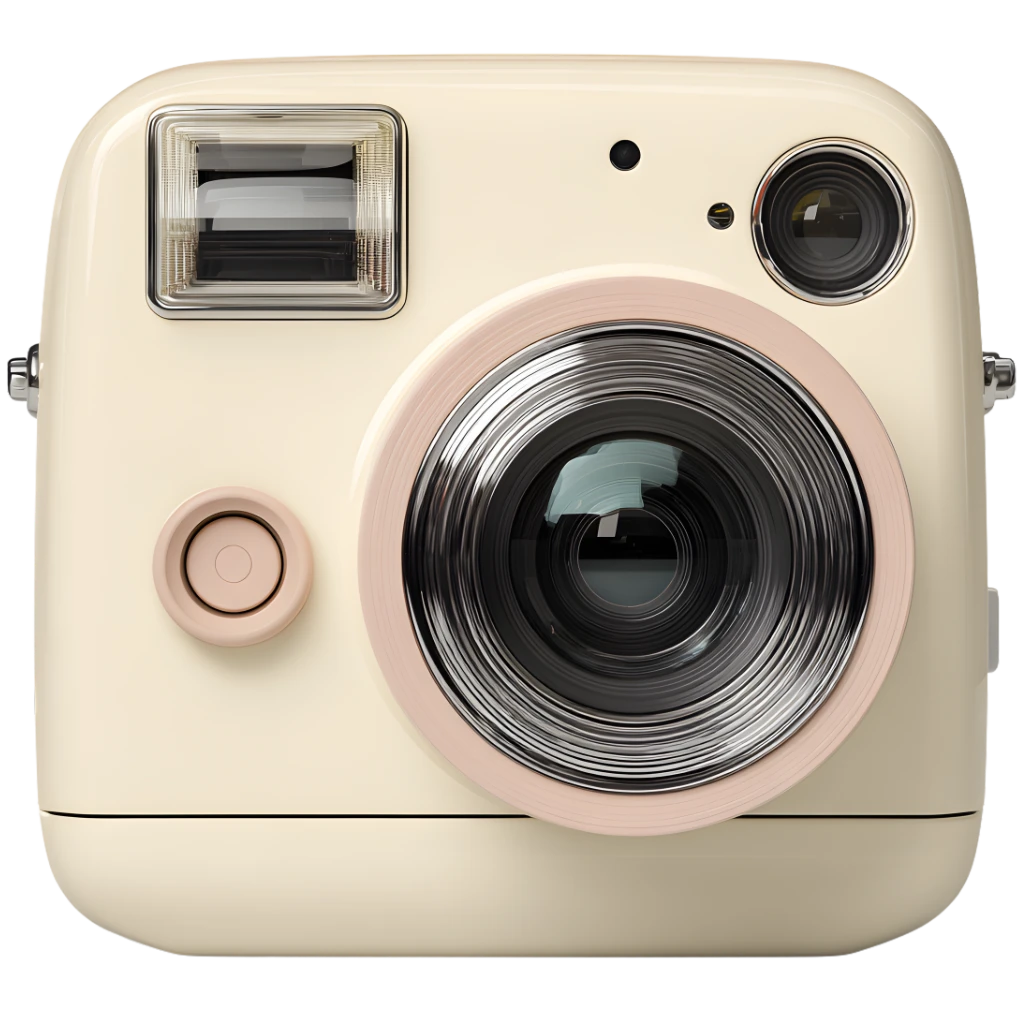
Retro Camera is a browser tool that recreates the feel of an instant camera and a polaroid print without any setup. Open the retro camera, frame a square shot, and watch a gentle develop effect reveal the image. Each retro camera capture lands on the desk as a print you can caption, rotate, and stack into a collage. Share one photo to the public gallery or keep your retro camera workspace private. The flow is fast, calm, and perfect for quick creative sessions.
Latest Publicly Shared Photos
Explore the latest polaroid-style shots shared by the community
Why Use Retro Camera?
Instant Polaroid Photos
A square frame, clean border, and soft tones deliver a polaroid‑style print feel without heavy filters.
Drag & Arrange
Slide and rotate photos like real prints on a table to build a quick collage.
Secret Messages
Write a short note on the back and let others scratch it open when you share.
Share to Gallery
Choose one photo to publish; the rest of your retro camera desk stays private.
From capture to share in minutes
Step 1
Open the camera
Allow access, see the live preview, and frame a square shot. A centered view helps you compose like a classic print. Small framing tweaks make a big difference in a polaroid‑style layout.
Step 2
Capture and develop
Press the shutter and watch the print appear with a gentle develop effect. The instant camera feel comes from the slow reveal. If you don’t love the result, reshoot and keep the best take.
Step 3
Arrange your desk
Drag, rotate, and caption your prints to make a collage that feels personal. Small offsets create a natural polaroid desk vibe. Layering two or three photos adds depth without clutter.
Step 4
Share or download
Download the collage or share a single photo to the gallery. Sharing publishes just one print at a time. This keeps the retro camera feed tidy and focused.
Where it fits
Retro portraits
Create a simple profile shot with a classic print‑style frame. A subtle polaroid border helps the portrait feel timeless. It’s a fast way to refresh a profile image.
Mood boards
Layer several shots into a collage for a diary or inspiration board. Instant camera prints look great when stacked with notes. Try pairing bright and muted shots to add contrast.
Quick highlights
Share one favorite shot to the gallery and keep the rest private. This keeps your retro camera desk clean and personal.
Creative breaks
Take a quick shot between tasks to reset your focus. The instant camera cadence keeps the break short and satisfying.
Video call prep
Check lighting and framing before meetings with a quick preview shot. The instant camera square crop makes checks fast. You can discard the shot or keep it as a quick reference.
Private by default
Nothing uploads unless you choose to share a single photo. This privacy‑first approach matches the calm retro camera workflow.
Frequently Asked Questions
Start your retro shot now
Capture a photo, add a caption, and share one print to the gallery—no app required. Great for quick journaling or a single instant camera memory you want to keep.